A new customer signs up eight minutes from the last yard on your Tuesday route. Easy yes. Then you notice they asked for Friday, your Friday route is on the other side of town, and that eight-minute addition is suddenly a separate trip.
That is why routing starts before you drag the first pin on a map. You are deciding where the business operates, which neighborhoods belong together, and what you can reasonably promise a customer.
You can do this with a spreadsheet and a mapping app. You can also keep the same information in Scoopify. Either way, the goal is not the shortest-looking line. It is a service day your technician can actually finish.
Start with a useful customer list
Make one row per service property, not one row per person. A customer with a home and a rental has two stops, two sets of access instructions, and possibly two different service frequencies.
Record the address, service frequency, assigned day, estimated minutes in the yard, and access restrictions. Add a field for the technician if more than one person runs routes. Keep gate codes and other sensitive access information in a restricted location rather than in a broadly shared public map.
Do not treat every yard as a fifteen-minute appointment. One dog, two gates, and a small accessible lawn is a different stop from three dogs and an overgrown first cleanup. Use estimates initially, then replace the guesses with your own observed visit times.
In Scoopify: Customer and property records keep service details and access notes alongside the recurring work. That matters more than having a prettier spreadsheet: the person standing at the gate needs the current instructions, not last month's version.
Assign neighborhoods to service days
Plot your existing stops and look for clusters. A practical first pass might put the west side on Monday, the central neighborhoods on Tuesday, and the east side on Thursday. These are service territories, not permanent promises carved into concrete.
Pick boundaries that make driving predictable: a highway, a river crossing, or the edge of a subdivision. Two addresses can look close on a map and still require an awkward trip through the only entrance to a development.
When a new lead asks for a day, start with the day you already service their area. Offer a specific alternative only when the route has room for it. If you say yes to every preferred day, the route eventually becomes a collection of exceptions.
For every-other-week customers, track which alternating week they belong to. A Tuesday can be comfortable one week and overloaded the next even when both weeks show the same number of weekly customers.
Budget the whole workday
A route has three types of time: yard work, driving, and everything else. Everything else includes loading supplies, disposal arrangements, breaks, access trouble, and writing a useful service note.
Here is a planning example, not a productivity benchmark:
| Work | Example budget |
|---|---|
| Twelve yards averaging 15 minutes | 180 minutes |
| Eleven drives averaging 6 minutes | 66 minutes |
| Travel to the area and back | 40 minutes |
| Setup, breaks, and a contingency buffer | 60 minutes |
| Total planned time | 346 minutes |
Those assumptions give you a day of about five hours and forty-six minutes. They do not prove that twelve stops fit your business. If your average yard takes twenty-five minutes, the same route needs two extra hours before anything goes wrong.
Budget the first cleanup separately. Months of buildup can change both the labor and the amount of waste you need to handle. Read the initial cleanup pricing guide before treating that visit like another weekly stop.
Put stops in a workable order
Within a service area, start near your normal entry point and work toward the exit you expect to use. Check any firm access windows first. Then arrange the flexible stops around them.
For a small route, you can enter the addresses in a mapping app, compare a few orders, and write down the final sequence. Check the actual road journey rather than assuming a straight line between map pins represents the drive.
Avoid crossing the same busy road repeatedly just to serve stops in the order they signed up. Signup date is useful customer history, but it is usually a poor routing rule.
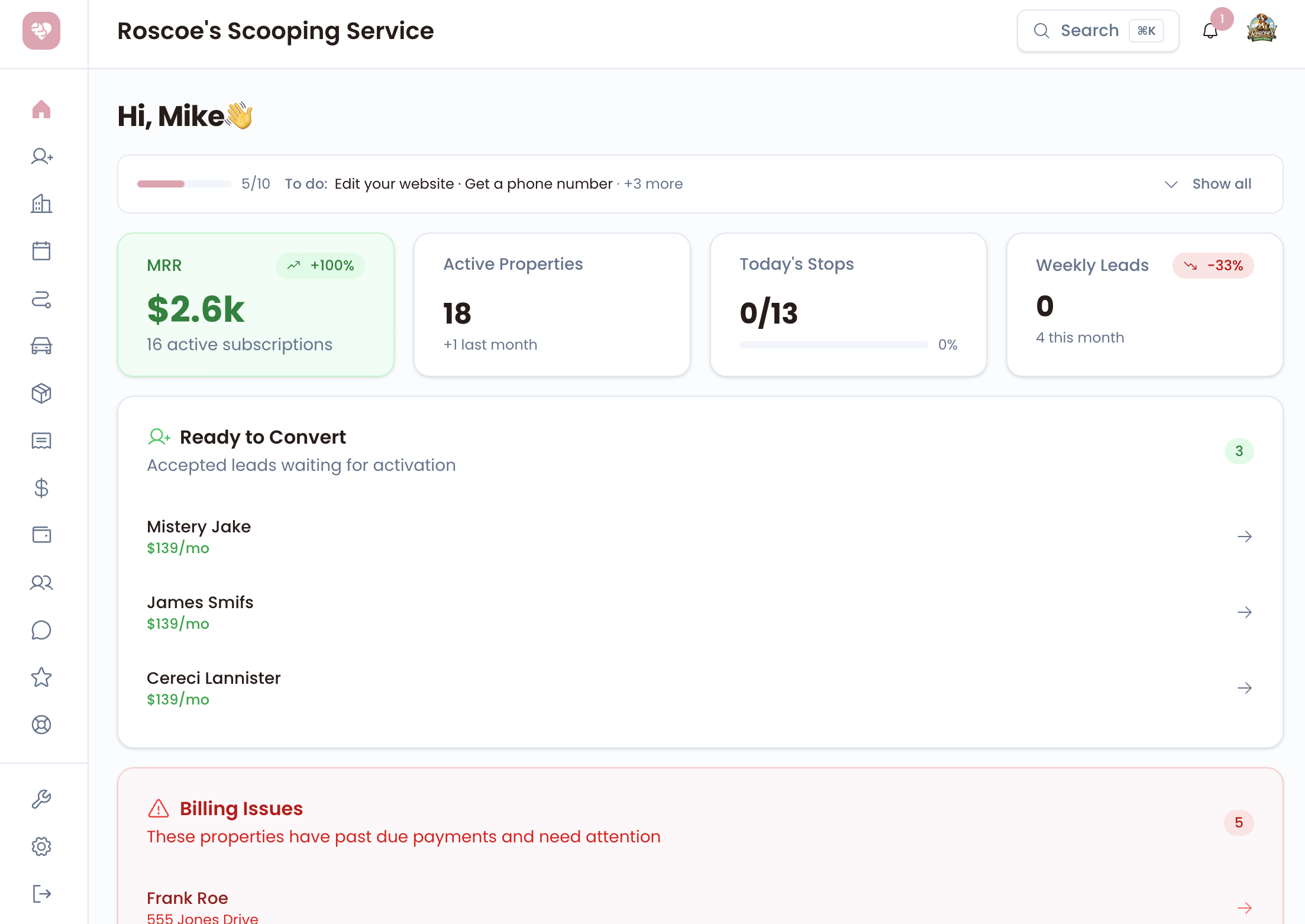
In Scoopify: Manual route ordering is available on the entry plans. Pro adds automatic route optimization. Optimization helps with stop order; you still decide the service territory, the day's capacity, and which access restrictions need attention. See the routing features for the distinction.
Decide what happens when a stop cannot be completed
The route needs an exception policy before someone encounters the first locked gate. Decide how the technician records the problem, who contacts the customer, and whether a return visit is offered under your service agreement.
Do not automatically send a technician back across the service area for every blocked stop. A return trip affects the next customer's timing and your cost for the day. Handle it according to a consistent policy, and tell customers that policy before service begins.
Keep the note factual: what prevented access, whether anyone was contacted, and what needs to happen next. A technician should not have to reconstruct the incident from a text thread at the end of the shift.
Review the route after you run it
After the first few runs, compare planned time with actual time. Was one property consistently harder than expected? Did a school pickup queue make one road unusable in the afternoon? Did the alternating-week customers stack up on the same day?
Move one problem at a time. Shifting a neighborhood to another day is sometimes more useful than repeatedly reordering an overloaded route. Tell affected customers before changing their recurring service day, and update the underlying schedule rather than leaving a permanent handwritten exception.
Watch drive time between paid stops, completion time, and the number of unplanned returns. Those measurements will tell you more than the total number of addresses you can squeeze into a list.
A route you can keep running
Before adding another stop, answer three questions: Is it in an area you already serve that day? Is there room for the yard time and the drive? Does the customer understand the service arrangement?
If the answer to all three is yes, you have a reasonable place to start. If not, offer a different service day or quote the work with its real travel cost in mind.
Scoopify gives you one place for the customer, the property, the schedule, and the route. It does not make an out-of-area job magically profitable. It does make it easier to see the work you have already promised before saying yes to the next yard. Compare the plans, or visit the tutorial library for the product walkthroughs.